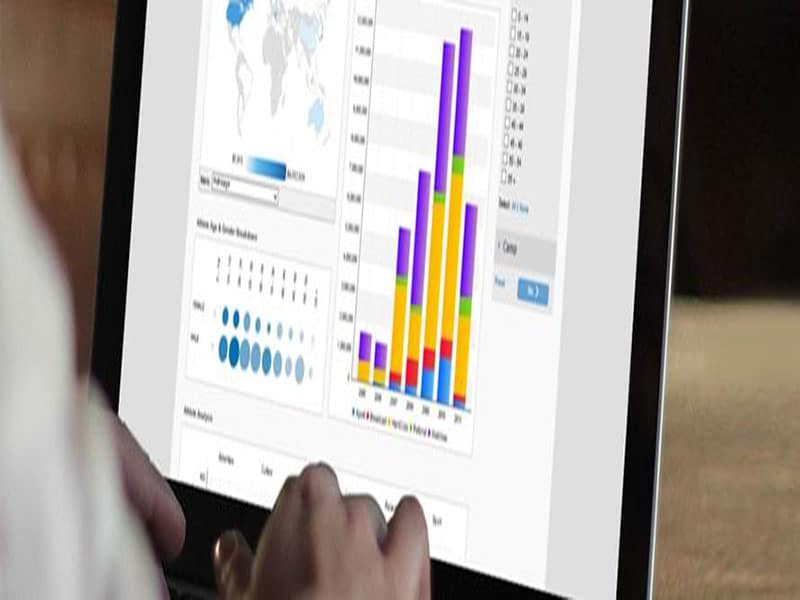
Data dashboards are information management tools that visually track, analyze, and display key performance indicators (KPIs), metrics, and essential data points. A well-designed dashboard for small business helps teams monitor the health of a business, department, or process in real time. Custom dashboards are built to match the specific needs of each team, giving companies a single unified platform to track multiple data sources and analyze performance. Because of this, real-time monitoring reduces hours of manual analysis and eliminates communication gaps that often slow down growing businesses.
Real-Time Dashboards for Small Businesses
By empowering teams with real-time data from multiple locations, a small business dashboard enables owners and managers to make confident, data-driven decisions. Digital reporting tools and dashboards can dramatically improve performance when combined with the right strategies and processes. A few benefits small businesses gain from dashboards include:
- Key metrics from multiple sources can be analyzed on a single unified platform in real time.
- They save time and cost with a hassle-free and user-friendly interface.
- Dashboards offer performance indicators and help compare data across platforms, leading to better data-driven decision-making.
- Measuring critical business insights on one integrated platform improves results and boosts productivity and profits.
Each department or team can have its own small business dashboard, and individuals can have personal dashboards to track their performance. Identifying the right targets and KPIs is the first step in building an effective dashboard. For small businesses, these often include sales value and revenue, customer retention, cost per acquisition, monthly profits, gross income, and overheads.
Why Financial Dashboards Matter for Small Businesses
For any business, the ultimate goal is profitability. That is why financial dashboards remain a core component of most small business dashboards. These dashboards typically focus on two key areas: revenue and expenses. Tracking overall profit reveals where the business is headed and how quickly it is moving there.
Important metrics a dashboard for small business should include are overall revenue, repeat customers, average sale value, and overhead expenses.
Project Management Dashboards for Better Control
Today’s project managers operate in increasingly complex environments. Remote work, distributed teams, and continuous communication needs make coordination more challenging. A project management dashboard helps maintain control by consolidating data from across the project into a single view.
This type of small business dashboard helps project managers avoid micromanaging and instead build better understanding among stakeholders, executives, and staff. Strong dashboards improve collaboration and can enhance the efficiency and workflow of nearly any part of a project.
What Makes a Business Dashboard Successful?
Good reporting provides information, but great reporting enables decision-making. For a dashboard for small business to succeed, it should:
- Relay simple, actionable insights
- Be easy to interpret and deploy
- Be accessible from any device, including mobile
- Encourage informed, analytical decisions
Tips & Tricks From Experts
- Get inspiration from existing dashboards. When you see great visualizations, study them and identify what might benefit your business.
- Avoid adding every possible chart or graph. Remove anything unnecessary while ensuring the user still receives the right insights—this is usually an iterative process.
- Use a grid layout to organize dashboard objects. It creates a natural reading order and helps users navigate more intuitively.
- Limit font types and sizes. Establish a clear typographic hierarchy.
- Simplify color usage. Justify each color choice and ensure it communicates the right meaning.
- Use techniques that present the most critical information first, with supporting charts adding context.
- Collaborate with others during dashboard creation. Feedback leads to better clarity and stronger visual storytelling.
When the Dashboard Goes Live
Once a small business dashboard is created, two principles become essential:
- Never put the dashboard on autopilot.
- Gather enough data before making updates.
Avoid implementing changes until the data supports a clear prediction. Continue monitoring the dashboard and look for new opportunities to improve it. Remember, the dashboard is only a tool. The easier it is to use, the more your team will adopt it—and the greater impact it will have on the business.